How do I subscribe for product access?
Shows the steps for signing an agent account up for product access to Lead Nurture, Drip Campaigns, Automation, or any combo of those subscriptions.
Written By Danny Schaffer
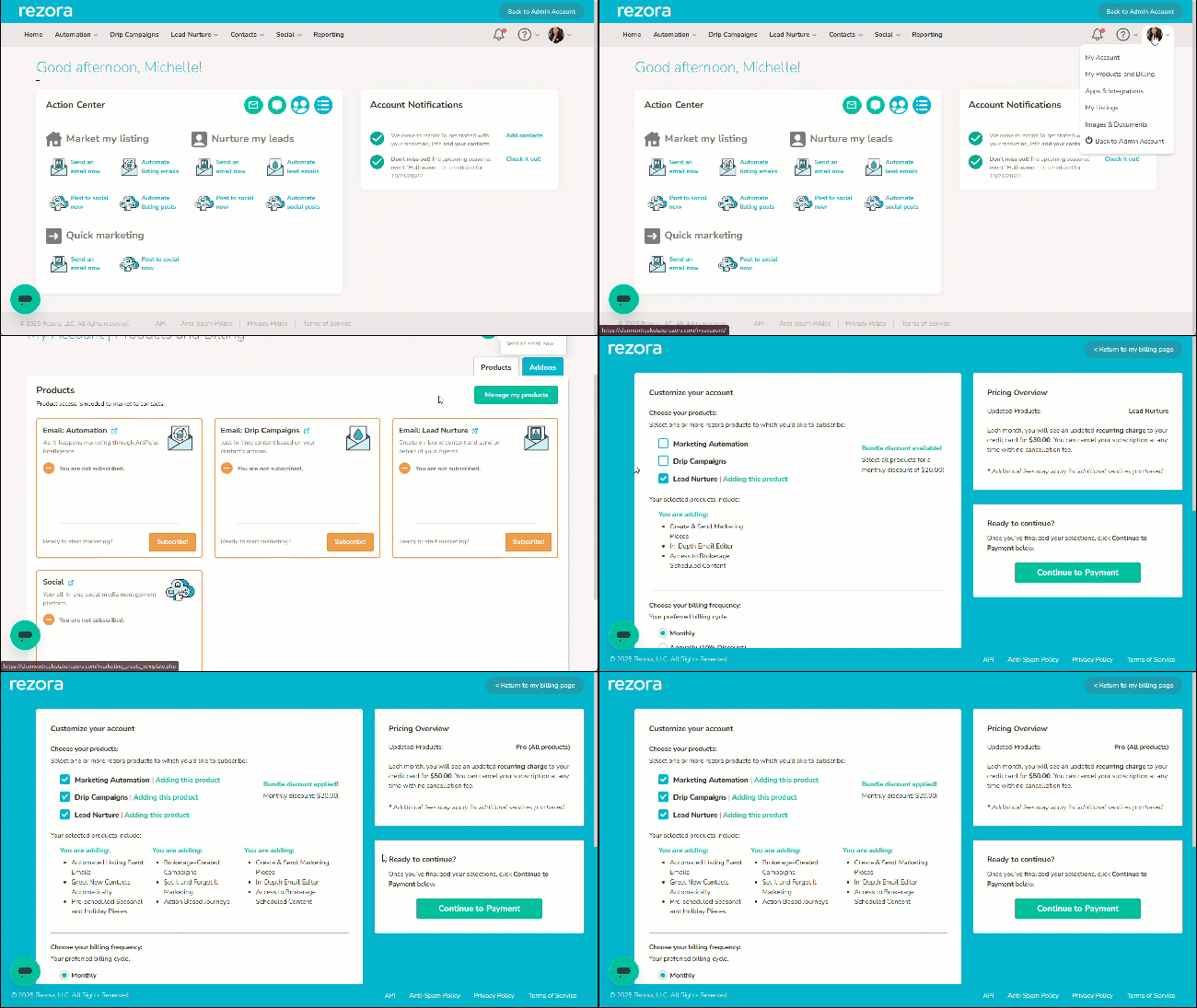
In order to send any marketing pieces, you'll first need to subscribe to a product.
Hover over your profile image (top right) → click My Products and Billing.
Review the product options and click Subscribe! (or Manage my Products).
Select your subscription(s) and click Continue to Payment.
Enter your credit card information to complete checkout.