How do I reverse stacking on mobile?
Written By Danny Schaffer
Sometimes with a design, you break things up visually in a way that looks great on desktop, but can weirdly group content on a Mobile device.
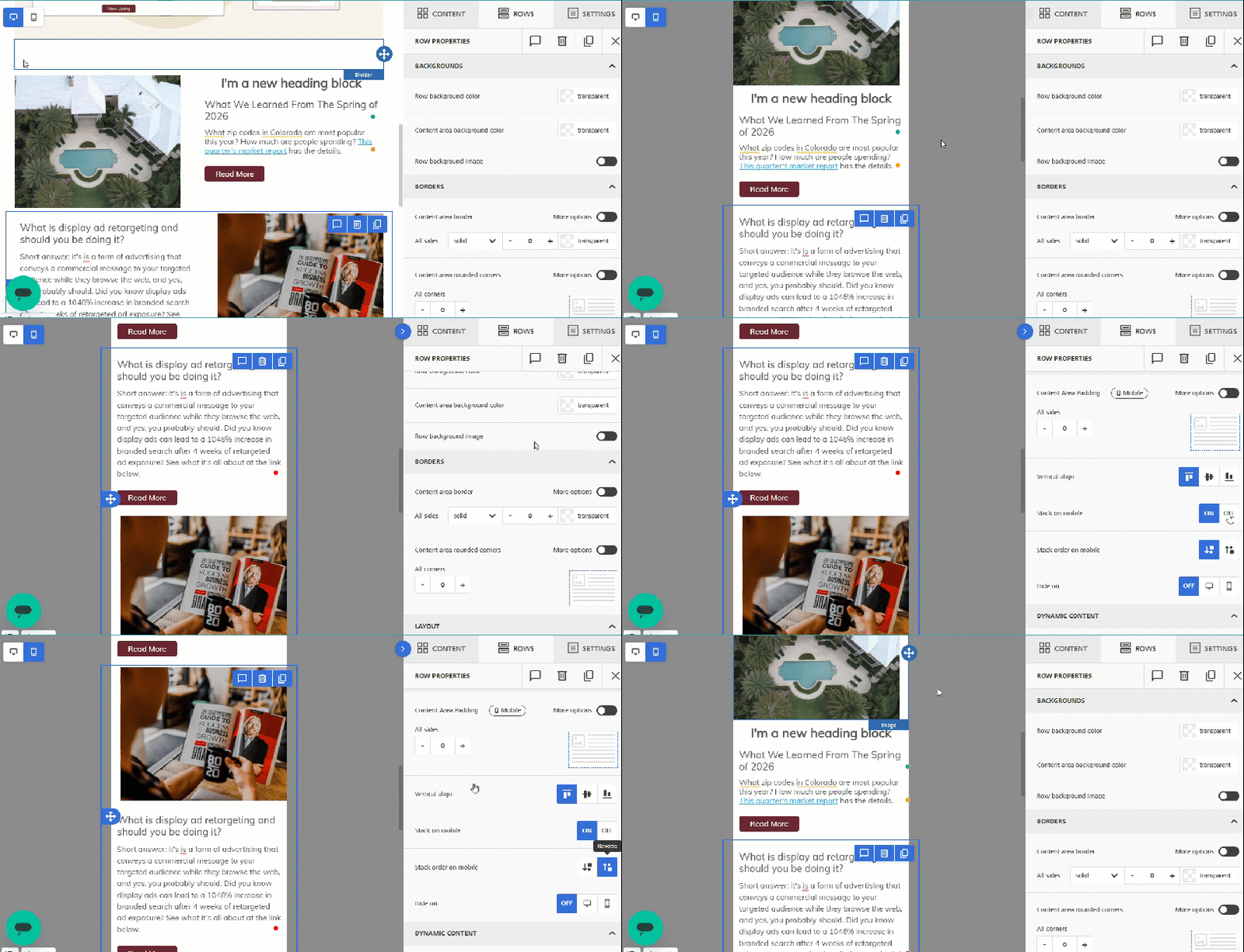
You can adjust the Row’s “Stack order on mobile” setting to use a reverse stack option.
To do so, click on the row itself (to the left or right of the content area), then scroll down to the Stack order on mobile setting. The default will display the desktop version of the content from Left to Right in the Mobile view. Click “Reverse” to show the Right to Left view of the desktop content.
Tip: If you head into the Mobile View, you can see these changes in real time. Check it out in the Preview or in a test email for the full results.