How can I capture email addresses on my website?
Written By Danny Schaffer
Looking to create a form that allows contacts to sign up directly to your email list? We've got you covered.
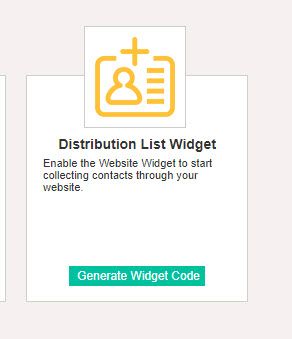
On your Apps & Integrations page, which can be found by hovering over the Profile Menu (your profile photo at the top right) and then clicking 'Apps & Integrations'. You will see a Distribution List Widget box. This will allow you to generate code to create a capture widget on your website page.
Simply select the appropriate fields you would like the capture widget to contain, select which list you'd like to add these contacts to, then click Generate to generate the code to add to your website.
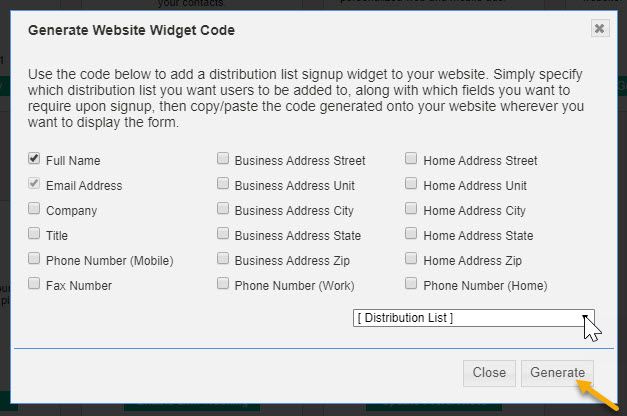
This code can be used on your website to create a Distribution List sign-up widget that will let folks sign up directly as contacts on your selected list!
When a contact enters all of their information via this widget, they will receive an email asking them to confirm getting added to the list, meaning they’re double opted in once they complete it!