How do I edit a contact?
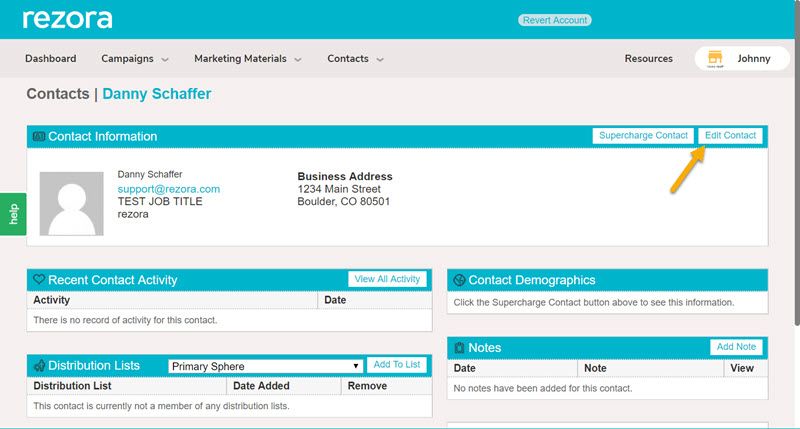
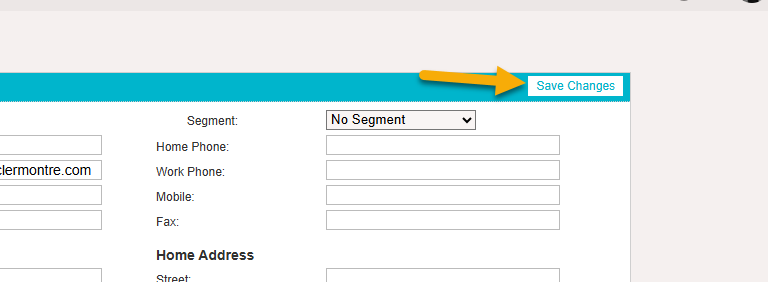
Head into the contact's information and click "Edit Contact" to update. Don't forget to "Save Changes!"
Written By Danny Schaffer
Click Contacts → Manage Contacts and Lists.
Search for the contact and click their email address.
Click Edit Contact, make your changes, then click Save Changes.
Note: The option to edit the contact will not appear if the contact came from a CRM, Marketer Distribution List, or Roster integration.