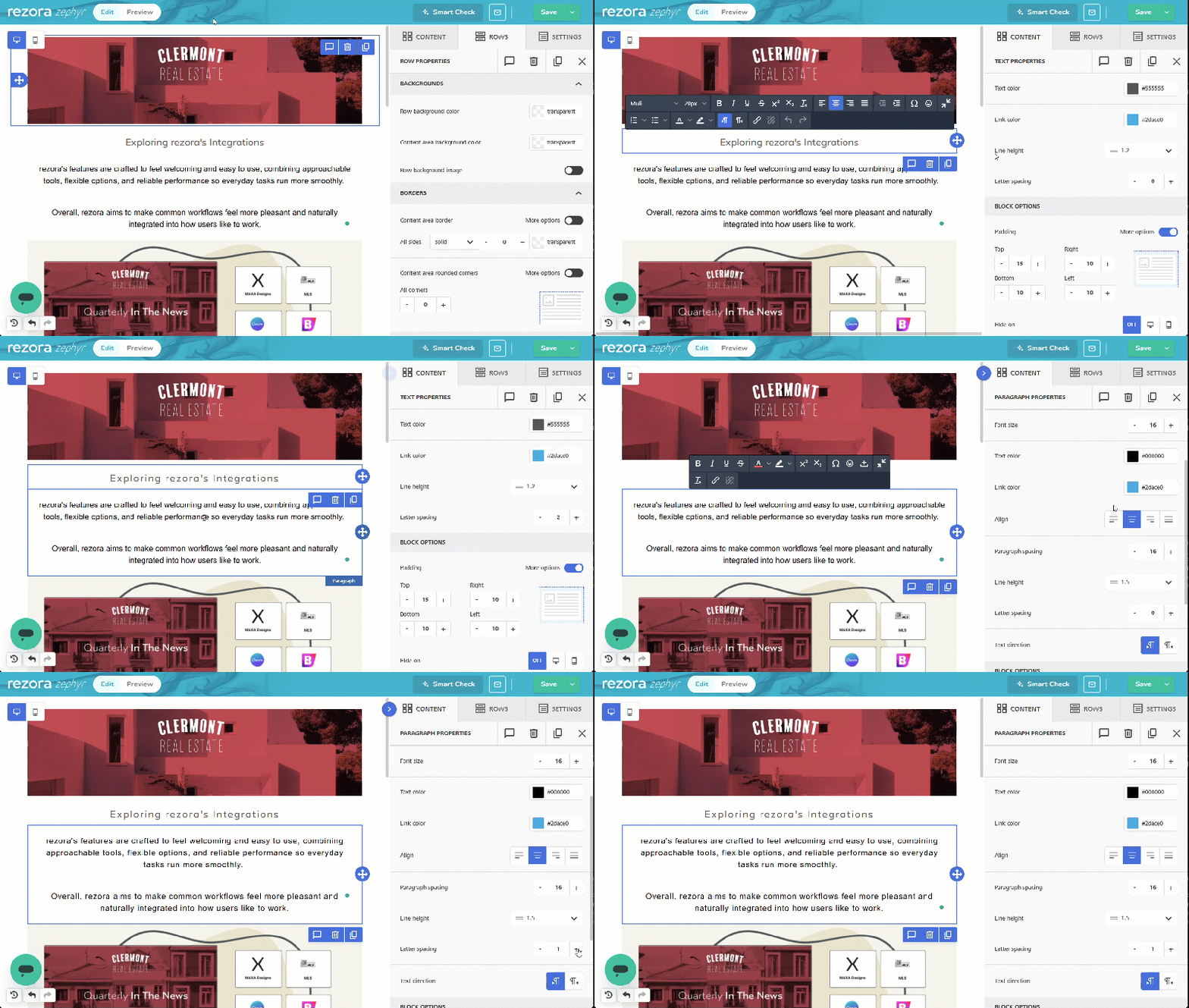
How do I adjust letter spacing in a text area?
Adjust the "letter spacing' setting for a Paragraph, List, Heading, or Button content block
Written By Danny Schaffer
Add your text to a Paragraph, List, Heading, or Button block.
Click the content area, then find Letter Spacing on the right.
Type a number value directly, or use the +/– controls to fine-tune.